GP
Controller Diagnostics →

Gamepad Viewer

Live Controller Tester for Every Gamepad

Free online controller tester and gamepad viewer that detects every button, joystick, and trigger in real time. Test Xbox controllers, PlayStation DualSense, Nintendo Switch Pro pads, and any HID gamepad over USB or Bluetooth, with built-in stick drift detection, deadzone calibration, and dual-motor rumble diagnostics.

Free online gamepad viewer and controller tester showing real-time button input
Free Online Tool
No Download
Live Input
Free gamepad viewer real-time controller tester for Xbox PlayStation Switch Pro
Gamepad Viewer
Real-Time · Verified
Online gamepad viewer test for joystick drift deadzone calibration controller diagnostics
Controller Test
Drift · Deadzone
Verified
Live Diagnostic Console
Real-Time · 0 ms Latency
No Controller
LT RT LB RB L STICK R STICK D-PAD Y B A X BACK START
Controller Info
DeviceNot Connected
Mapping...
Buttons0
Axes0
Rumble...
Analog Triggers
LT
0.00
RT
0.00
Stick Positions
No Drift
Left X / Y 0.00, 0.00
Right X / Y 0.00, 0.00
Deadzone0.08
Rumble Test
Session
Total Presses0
Last Button...
Most Active...
Poll Rate0 Hz
Activity Log
Waiting for input...
Quick start: Connect your controller via USB or Bluetooth, then press any button to wake it. On mobile, pair a Bluetooth gamepad in your device settings first. Compatible with Xbox, PlayStation DualSense, Switch Pro, 8BitDo and any HID gamepad. Background stays transparent, so you can drop the page URL straight into OBS as a browser source.
Gamepad Viewer VS Gamepad Tester
01 / Overview

What is a Gamepad Viewer?

A complete introduction to what gamepad viewers do, who uses them, and why they matter for gamers and streamers in 2026.

Live Controller Diagnostics in Your Browser

A gamepad viewer is a live controller diagnostic tool that reads input from your connected gamepad and displays every button press, joystick movement, and trigger pressure on screen as it happens. It uses the W3C Gamepad API built into modern browsers to communicate directly with your controller, no installs or drivers required.

Gamers use viewers to confirm a new controller works before a tournament. Streamers use them as on-screen overlays so viewers can see their inputs during gameplay. Speedrunners use them to verify clean execution. Anyone with a suspect controller uses one to spot stick drift, broken bumpers, or dead trigger ranges before sending hardware back for warranty.

This Gamepad Viewer goes a step beyond display. It packs full diagnostic testing in too: drift detection, deadzone calibration, dual-motor rumble checks, polling rate measurement, and exportable session logs, all in a transparent browser-based interface that works on desktop and mobile.
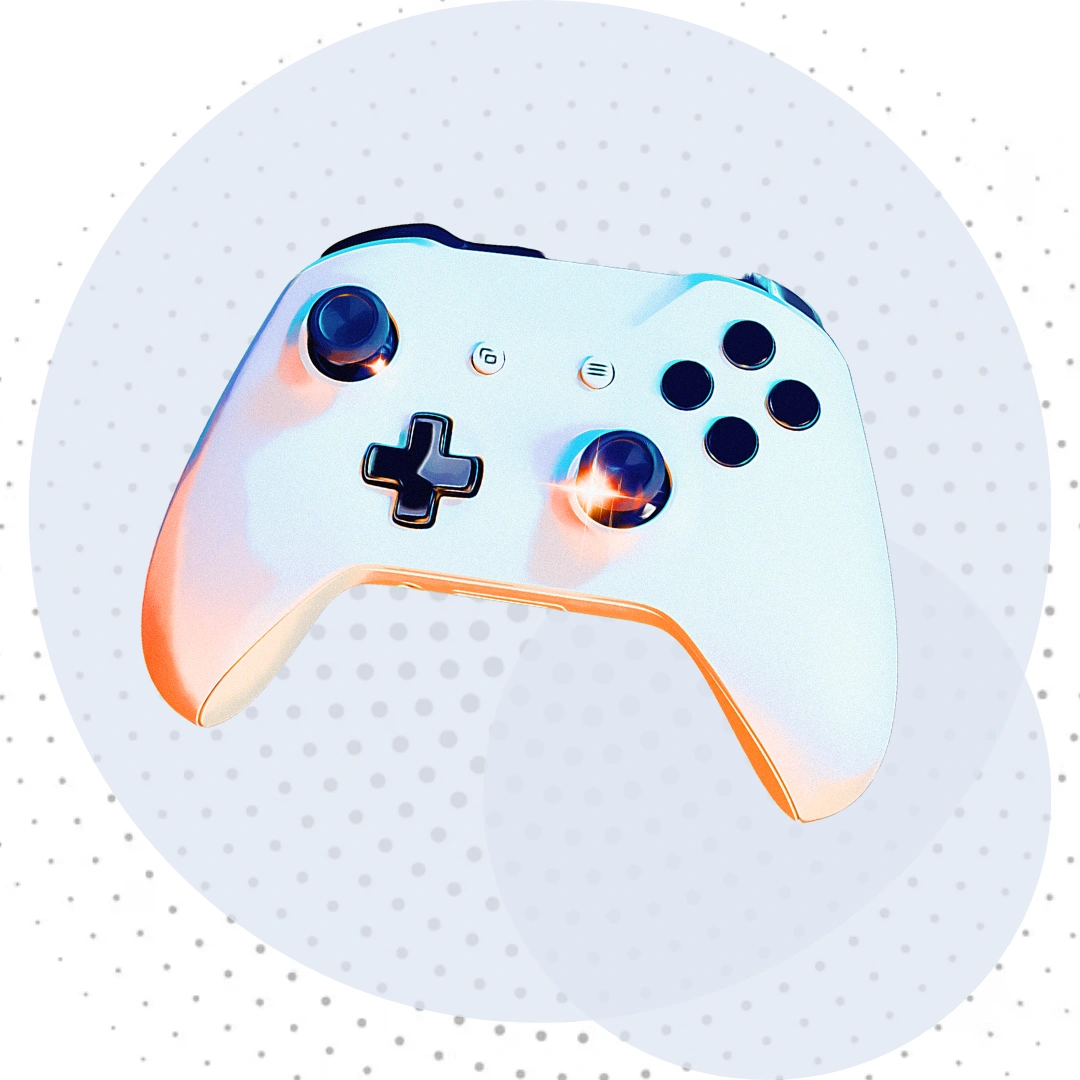
Gamepad Viewer interface showing real-time controller input visualization with button mapping
02 / Getting Started

How to Use the Tool

Four simple steps from plugging in your controller to running a full diagnostic. No setup, no signup, no surprises.

01

Connect Controller

Plug in your gamepad via USB or pair it via Bluetooth in your system settings. Works with every HID device.

02

Press Any Button

Press any button on your controller. The viewer auto-detects your device and shows its full button and axis count.

03

Test Every Input

Press every button and move both sticks through their full range. Each input lights up orange in real time.

04

Run Diagnostics

Check drift detection, tune the deadzone, test both rumble motors, then export your session log if needed.

03 / Trust

100% Secure, Zero Ads

Built with one promise: your controller data never leaves your browser, and you will never see an ad on this page.

100% Secure

All processing happens locally in your browser. Nothing is transmitted to any server.

No Ads

Zero advertisements. No popups. No banners. Clean experience from first click to last.

No Signup

No account required. No email collected. Just open the page and start testing your controller.

Free Forever

No paywall, no premium tier, no upsells. Every feature is unlocked from day one.

04 / Features

Advantages of Our Gamepad Viewer

Ten reasons gamers and streamers pick this tool over every other controller tester on the web.

Real-Time Detection

Inputs render at full polling rate with zero perceptible lag.

Stick Drift Detection

Live indicator flags drifting analog sticks before they cost you a match.

Adjustable Deadzone

Tune the deadzone threshold with a precision slider from 0.00 to 0.50.

Dual-Motor Rumble Test

Test weak motor, strong motor, or both at once to isolate failures.

Xbox / PS Label Toggle

Switch between Xbox and PlayStation symbols. Auto-detects DualSense.

OBS-Ready Overlay

Transparent background drops straight into OBS browser sources.

Session Statistics

Total presses, last button, most-pressed button, and live polling rate.

Activity Log Export

Download a timestamped session log as a TXT file for warranty claims.
Advantages-of-Our-Gamepad-Viewer
05 / Comparison

Our Tool vs Others

A direct feature-by-feature comparison between this Gamepad Viewer and typical free controller testers.

Feature
Other Viewers
Our Site
Real-Time Update Rate
Often 30 Hz
60 Hz Full
Stick Drift Detection
Missing
Built-in
Adjustable Deadzone
Fixed Only
0.00 to 0.50
Dual-Motor Rumble
Single Button
3 Test Modes
Xbox / PS Label Toggle
Single Scheme
Auto + Manual
Export Session Log
Not Possible
TXT Download
Advertisements
Lots of Ads
Zero Ads
Signup Required
Sometimes
None
Mobile Support
Partial
Full Responsive
OBS Browser Source
Limited
Transparent
06 / Terminology

Gamepad Viewer vs Gamepad Tester

The two terms are often used interchangeably, but there is a clear distinction between display tools and full diagnostic tools.

Definition One

Gamepad Viewer

A gamepad viewer is built for visualization. Its job is to show what your controller is doing in real time, so anyone watching can see your inputs.

  • Optimized for live display
  • Used as streaming overlay
  • Shows button presses visually
  • Focused on clean visual output
  • Often transparent for OBS
VS
Definition Two

Gamepad Tester

A gamepad tester is built for diagnostics. Its job is to verify that your hardware works correctly across every button, axis, and motor.

  • Optimized for hardware testing
  • Measures drift and deadzone
  • Tests rumble motor function
  • Reports polling rate accuracy
  • Used for warranty claims

Where the Difference Matters

If you only need an on-stream overlay, a basic viewer is fine. If you suspect a hardware fault, you need a tester. Our tool is both. It renders a clean transparent overlay for streamers and packs every diagnostic feature a tester offers: drift detection, deadzone calibration, dual-motor rumble testing, polling rate monitoring, and exportable logs. One tool, both jobs covered.

G P V
50K+ gamers trust us

Gamepad Tester,
stick, and trigger

The free online gamepad viewer and controller diagnostic tool built for gamers, streamers, and speedrunners. Detect stick drift, calibrate deadzones, test rumble motors, and verify every input in real time, no download, no signup, just plug in and test.

Live Diagnostic Console
17
Buttons Detected
4
Analog Axes
60
Poll Rate Hz
0.00
Drift Level
Controller Connected
Rumble Supported
Standard Mapping
No Drift Detected
01 / Overview

What is a Gamepad Tester?

A complete introduction to what gamepad Tester do, who uses them, and why they matter for gamers and streamers in 2026.

Live Controller Diagnostics in Your Browser

A gamepad Tester is a live controller diagnostic tool that reads input from your connected gamepad and displays every button press, joystick movement, and trigger pressure on screen as it happens. It uses the W3C Gamepad API built into modern browsers to communicate directly with your controller, no installs or drivers required.

Gamers use Testers to confirm a new controller works before a tournament. Streamers use them as on-screen overlays so viewers can see their inputs during gameplay. Speedrunners use them to verify clean execution. Anyone with a suspect controller uses one to spot stick drift, broken bumpers, or dead trigger ranges before sending hardware back for warranty.

This Gamepad Tester goes a step beyond display. It packs full diagnostic testing in too: drift detection, deadzone calibration, dual-motor rumble checks, polling rate measurement, and exportable session logs, all in a transparent browser-based interface that works on desktop and mobile.
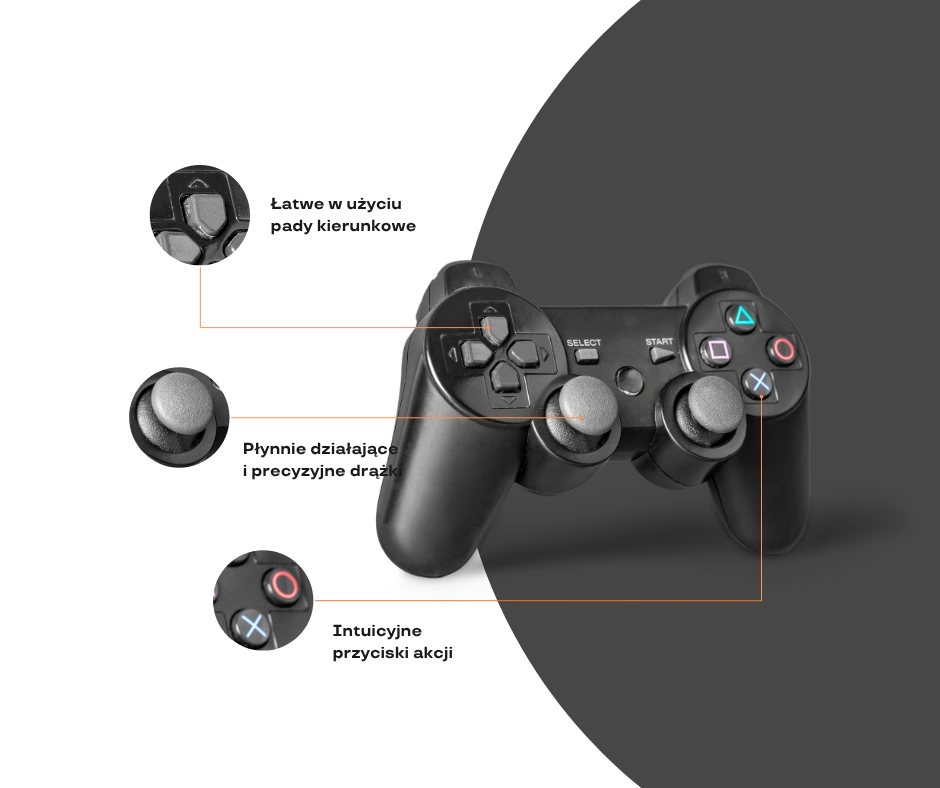
Gamepad Viewer interface showing real-time controller input visualization with button mapping
07 / Compatibility

Supported Controllers

Every major gamepad brand and any HID-compliant controller works out of the box, no drivers or extra software.

Xbox Series X|S

Wireless · USB

Xbox One

Bluetooth · USB

PS5 DualSense

Bluetooth · USB-C

PS4 DualShock

Bluetooth · USB

Switch Pro

Bluetooth · USB

Steam Controller

Wireless · USB

8BitDo Pads

All Models

Generic HID

Any Standard Pad
08 / Resources

Guides & Pro Tips

Hands-on articles for fixing common controller problems, calibrating gear, and getting the most from your gamepad.

Guide to fixing stick drift on DualSense and Xbox controllers Drift Fix

How to Fix Stick Drift on PS5 DualSense

A step-by-step diagnostic flow using the drift detection badge in this Gamepad Viewer to confirm a hardware fault before opening your controller.

Read Guide
Best deadzone settings for FPS games on Xbox and PlayStation Calibration

Best Deadzone Setting for FPS Games

How to use the in-app deadzone slider to dial in the right threshold for competitive shooters like Apex, Warzone, and Counter-Strike.

Read Guide
Test your Switch Pro Controller before competition Pre-Match

Pre-Tournament Controller Check

The five-minute test pass every pro runs before a live event. Verify all buttons, both sticks, every trigger, and both rumble motors.

Read Guide


09 / FAQ

Frequently Asked Questions

Quick answers to the most common questions about using this Gamepad Viewer.

Does Gamepad Viewer work on mobile devices?

Yes. The interface is fully responsive on phones and tablets. Pair a Bluetooth controller through your device settings first, then open this page in any modern mobile browser. Chrome and Edge on Android both support the Gamepad API, and Safari on iOS 16 and newer also works.

Is it really completely free?

Yes. No paywall, no premium tier, no email collection, no signup. Every feature including drift detection, deadzone calibration, rumble testing, and log export is free forever. There are zero advertisements on the page.

Do I need to install anything?

Nothing. No browser extension, no driver, no app. The Gamepad Viewer uses the W3C Gamepad API that ships in every modern browser by default. Plug your controller in and you are testing within seconds.

Why is my controller not detected?

Press any button after connecting. The Gamepad API only registers a device once it sends its first input event. If still nothing shows, check that your controller is paired in your system settings, the USB cable supports data transfer (not charge-only), and you are using a supported browser like Chrome, Edge, Firefox, or Safari 16 and newer.

Can I use this in OBS Studio as an overlay?

Yes. The background is fully transparent, so you can drop the page URL into an OBS Browser Source and resize it to fit your stream layout. The controller stays interactive while you play, and your audience sees every input in real time.

Is my controller data sent anywhere?

No. All processing happens locally in your browser. Inputs are never transmitted to any server. Even the session log export is generated and downloaded entirely on your device.

What is stick drift and how does the tool detect it?

Stick drift is when an analog stick reports input even when you are not touching it. Worn-out potentiometers are the usual cause. This Gamepad Viewer samples raw axis values without the deadzone applied and flags drift when the at-rest position exceeds a tight threshold, shown in the orange Drift Detected badge.

Can I save my session log for warranty claims?

Yes. Click the Export button below the activity log and the tool generates a timestamped TXT file with your device name, total press count, and the full log of every input. Useful evidence when filing a hardware claim with the manufacturer.